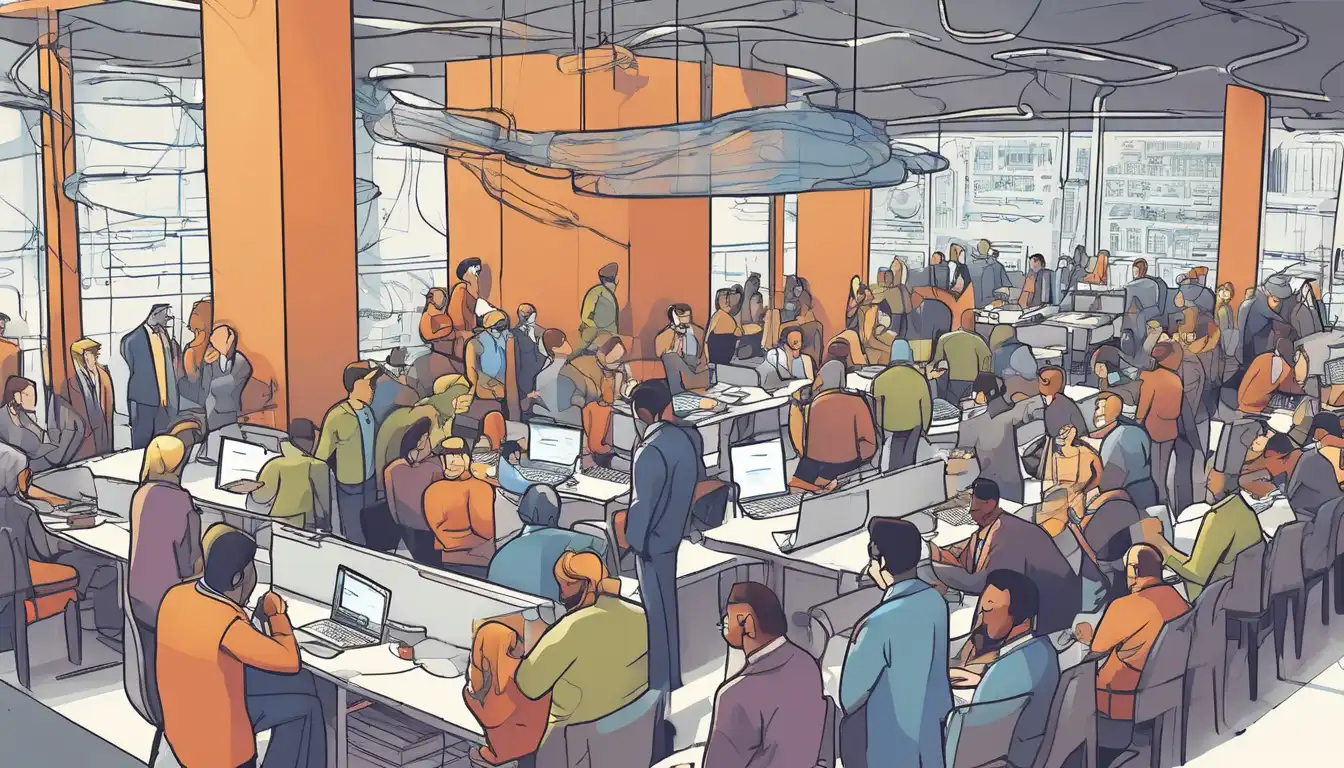
Understanding the Basics of Networking
In today's digital age, understanding the basics of networking is crucial for both personal and professional growth. Networking, in the context of information technology, refers to the practice of connecting computers and other devices to share resources and information. This foundational knowledge is essential for anyone looking to navigate the modern world effectively.
Why Networking Matters
Networking enables devices to communicate with each other, making it possible to share data, access the internet, and utilize shared resources like printers and servers. Whether you're setting up a home network or working in an IT department, grasping these concepts can significantly enhance your efficiency and connectivity.
Key Components of a Network
Every network consists of several key components that work together to ensure seamless communication. These include:
- Routers: Devices that forward data packets between computer networks.
- Switches: Devices that connect devices within a network and use packet switching to forward data to its destination.
- Servers: Computers or systems that provide resources, data, services, or programs to other computers, known as clients, over a network.
- Clients: Devices that access or request services from servers.
Types of Networks
Networks can be categorized based on their size and scope. The most common types include:
- Local Area Network (LAN): A network that connects devices within a limited area, such as a home or office.
- Wide Area Network (WAN): A network that spans a large geographical area, often connecting multiple LANs.
- Wireless Networks: Networks that use radio waves to connect devices without the need for physical cables.
Networking Protocols
Protocols are the rules and standards that govern how data is transmitted over a network. Some of the most important protocols include:
- TCP/IP: The foundational protocol suite of the internet, ensuring reliable data transmission.
- HTTP/HTTPS: Protocols used for transferring web pages on the internet.
- FTP: A protocol for transferring files between computers on a network.
Setting Up a Basic Network
Setting up a basic network involves connecting devices to a router, configuring the router for internet access, and ensuring all devices can communicate with each other. For a more detailed guide on setting up your home network, check out our home networking guide.
Security Considerations
With the increasing prevalence of cyber threats, securing your network is more important than ever. Basic security measures include using strong passwords, enabling network encryption, and regularly updating your devices and router firmware.
Conclusion
Networking is a vast and complex field, but understanding the basics is a great first step towards becoming more tech-savvy. Whether for personal use or professional development, these foundational concepts will serve you well in navigating the interconnected world of today.