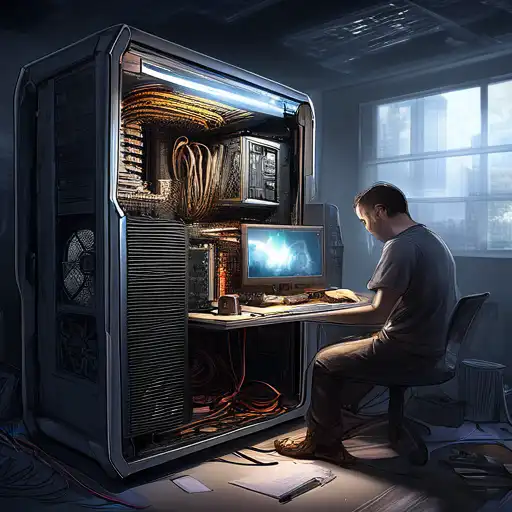
Introduction to PC Building
Building your own PC can be a rewarding experience, offering both personal satisfaction and the opportunity to create a machine that perfectly fits your needs. Whether you're a gamer, a content creator, or just someone looking for a custom computing solution, this guide will walk you through the basics of assembling your own computer.
Why Build Your Own PC?
There are several advantages to building your own PC, including cost savings, the ability to customize every component, and the satisfaction of creating something with your own hands. Plus, you'll gain a deeper understanding of how computers work.
Essential Components for Building a PC
Before you start, you'll need to gather all the necessary components. Here's a list of the essential parts:
- Processor (CPU)
- Motherboard
- Memory (RAM)
- Storage (SSD or HDD)
- Power Supply (PSU)
- Case
- Graphics Card (GPU) - if not integrated into the CPU
- Cooling System
Step-by-Step Guide to Building Your PC
Now that you have all your components, it's time to start building. Follow these steps to assemble your PC:
- Prepare your workspace and ensure you have all the necessary tools.
- Install the CPU onto the motherboard carefully, aligning it correctly.
- Add the RAM to the motherboard's RAM slots.
- Mount the motherboard inside the case.
- Install the power supply unit (PSU) in the case.
- Connect all necessary power cables from the PSU to the motherboard and other components.
- Install your storage devices (SSD or HDD).
- If you're using a dedicated GPU, install it into the appropriate slot on the motherboard.
- Connect all case fans and install any additional cooling systems.
- Double-check all connections and components before powering on your PC.
Installing the Operating System
Once your PC is assembled, the next step is to install an operating system (OS). You can choose between Windows, Linux, or macOS (if you're using compatible hardware). Make sure to have a bootable USB drive or DVD with the OS installer ready.
Tips for First-Time Builders
Building a PC for the first time can be daunting, but here are some tips to make the process smoother:
- Watch tutorial videos or read guides like this one to familiarize yourself with the process.
- Take your time and don't rush the assembly.
- Ensure all components are compatible with each other before purchasing.
- Keep your workspace organized to avoid losing small parts.
Conclusion
Building your own PC is an exciting project that can save you money and give you a custom machine tailored to your needs. By following this guide, you'll be well on your way to becoming a proficient PC builder. Remember, the key to success is patience and attention to detail.
For more information on PC components and building tips, check out our PC Components Guide and Advanced PC Building Tips.