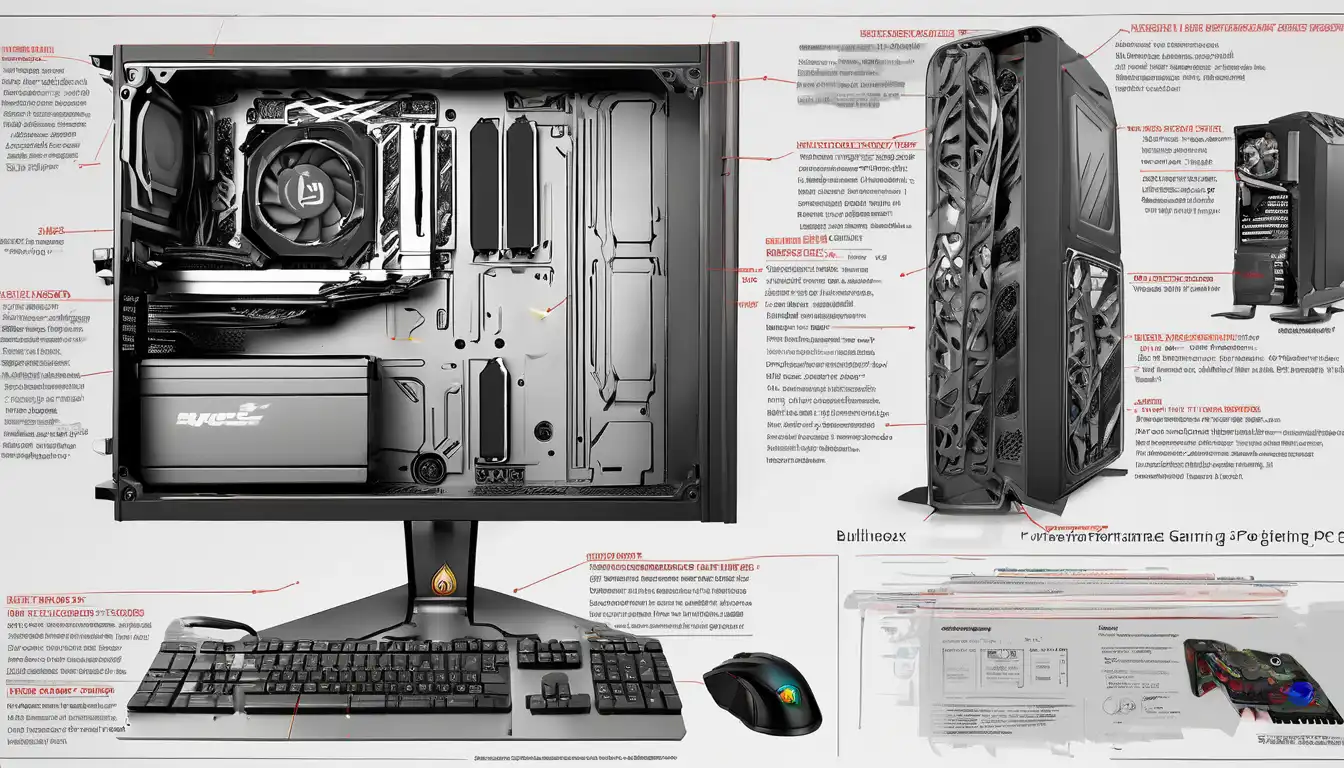
Introduction to High-Performance Gaming PC Construction
Building a high-performance gaming PC represents one of the most rewarding experiences for any gaming enthusiast. Unlike pre-built systems, custom-built gaming computers offer unparalleled flexibility, superior performance optimization, and better value for your investment. This comprehensive guide will walk you through every step of creating a powerful gaming rig that can handle today's most demanding titles while providing room for future upgrades.
Essential Components for Your Gaming Build
Understanding the core components is fundamental to building a successful gaming PC. Each part plays a crucial role in determining your system's overall performance and capabilities.
Central Processing Unit (CPU)
The CPU serves as the brain of your gaming computer, handling all computational tasks. For gaming purposes, focus on processors with high single-core performance, as most games rely heavily on this metric. Modern gaming builds typically benefit from CPUs with at least 6 cores and 12 threads. Consider both AMD Ryzen and Intel Core series processors, comparing their performance in gaming benchmarks before making your selection.
Graphics Processing Unit (GPU)
Your graphics card is arguably the most critical component for gaming performance. The GPU handles all visual rendering, making it essential for achieving high frame rates and detailed graphics. When selecting a GPU, consider your target resolution (1080p, 1440p, or 4K) and refresh rate. High-end cards from NVIDIA's RTX series or AMD's Radeon lineup offer features like ray tracing and AI-enhanced upscaling technologies.
Motherboard Selection
The motherboard acts as the foundation that connects all your components. Choose a motherboard that matches your CPU's socket type and offers the features you need. Consider factors like PCIe slots, RAM capacity, connectivity options, and future upgrade potential. For gaming builds, mid-range to high-end motherboards typically provide the best balance of features and value.
Memory (RAM)
System memory directly impacts gaming performance, particularly in modern titles that require substantial RAM. For current gaming standards, 16GB represents the sweet spot, though 32GB provides better future-proofing. Focus on DDR4 or DDR5 memory with speeds of at least 3200MHz for optimal performance. Dual-channel configurations (using two or four sticks) typically offer better performance than single-channel setups.
Storage Solutions
Modern gaming requires fast storage solutions to reduce loading times. NVMe SSDs offer the fastest load times for your operating system and games, while larger capacity SATA SSDs or HDDs can serve as secondary storage for less frequently accessed files. A combination of a 500GB-1TB NVMe SSD for your OS and favorite games, plus a 2TB secondary drive, provides an excellent balance.
Power Supply Unit (PSU)
Never compromise on your power supply, as it provides stable electricity to all components. Select a PSU from reputable brands with at least 80 Plus Bronze certification. Calculate your system's power requirements and add 20-30% headroom for future upgrades. Modular PSUs make cable management significantly easier during the building process.
Case and Cooling
Your case choice affects both aesthetics and thermal performance. Look for cases with good airflow, adequate fan mounting points, and cable management features. Cooling solutions range from air coolers to liquid cooling systems – high-performance CPUs often benefit from aftermarket cooling solutions beyond stock options.
Step-by-Step Building Process
Preparation and Workspace Setup
Begin by preparing a clean, static-free workspace with adequate lighting. Gather all necessary tools, including screwdrivers, cable ties, and thermal paste. Ground yourself frequently to prevent electrostatic discharge that could damage sensitive components.
Motherboard Preparation
Install the CPU, RAM, and M.2 SSD onto the motherboard before placing it in the case. This approach makes installation easier and reduces the risk of damaging components. Apply thermal paste carefully if using an aftermarket CPU cooler.
Case Preparation and Component Installation
Prepare your case by installing the power supply, routing necessary cables, and installing case fans. Carefully mount the prepared motherboard into the case, ensuring all standoffs align properly. Install your graphics card, storage drives, and connect all necessary power and data cables.
Cable Management and Final Checks
Proper cable management improves airflow and makes future maintenance easier. Use cable ties to secure loose cables and route them through designated channels. Before closing the case, double-check all connections and ensure no cables obstruct fans or components.
System Setup and Optimization
BIOS Configuration
After successful assembly, enter your motherboard's BIOS to configure basic settings. Enable XMP/DOCP profiles for optimal RAM performance, set boot priorities, and configure fan curves for optimal cooling. Update your BIOS to the latest version for improved stability and compatibility.
Operating System Installation
Install your preferred operating system (typically Windows 10 or 11 for gaming) using a bootable USB drive. During installation, ensure you select your primary SSD as the installation destination. After installation, install all necessary drivers from your motherboard and graphics card manufacturers' websites.
Performance Optimization
Optimize your system for gaming by adjusting Windows settings for performance, updating all drivers, and configuring your graphics card settings. Use benchmarking tools to test system stability and performance. Consider overclocking components if you're comfortable with the process and have adequate cooling.
Maintenance and Future Upgrades
Regular maintenance ensures your gaming PC continues performing optimally. Clean dust filters every month and perform thorough internal cleaning every 6-12 months. Monitor component temperatures and performance regularly. When considering upgrades, prioritize components that will provide the most significant performance improvements based on your current bottlenecks.
Conclusion
Building a high-performance gaming PC requires careful planning and execution, but the results are immensely rewarding. By selecting quality components, following proper building procedures, and optimizing your system, you can create a gaming rig that delivers exceptional performance for years to come. Remember that the PC building community offers extensive resources and support – don't hesitate to consult forums and guides throughout your building journey.